



Show Duties, Taxes & Tariff Fees at Checkout
Easily add a custom tariff surcharge and real-time duties & taxes upfront. Offset import costs, improve the customer experience, and stay compliant.
ShipperHQ is Trusted by Thousands of Brands










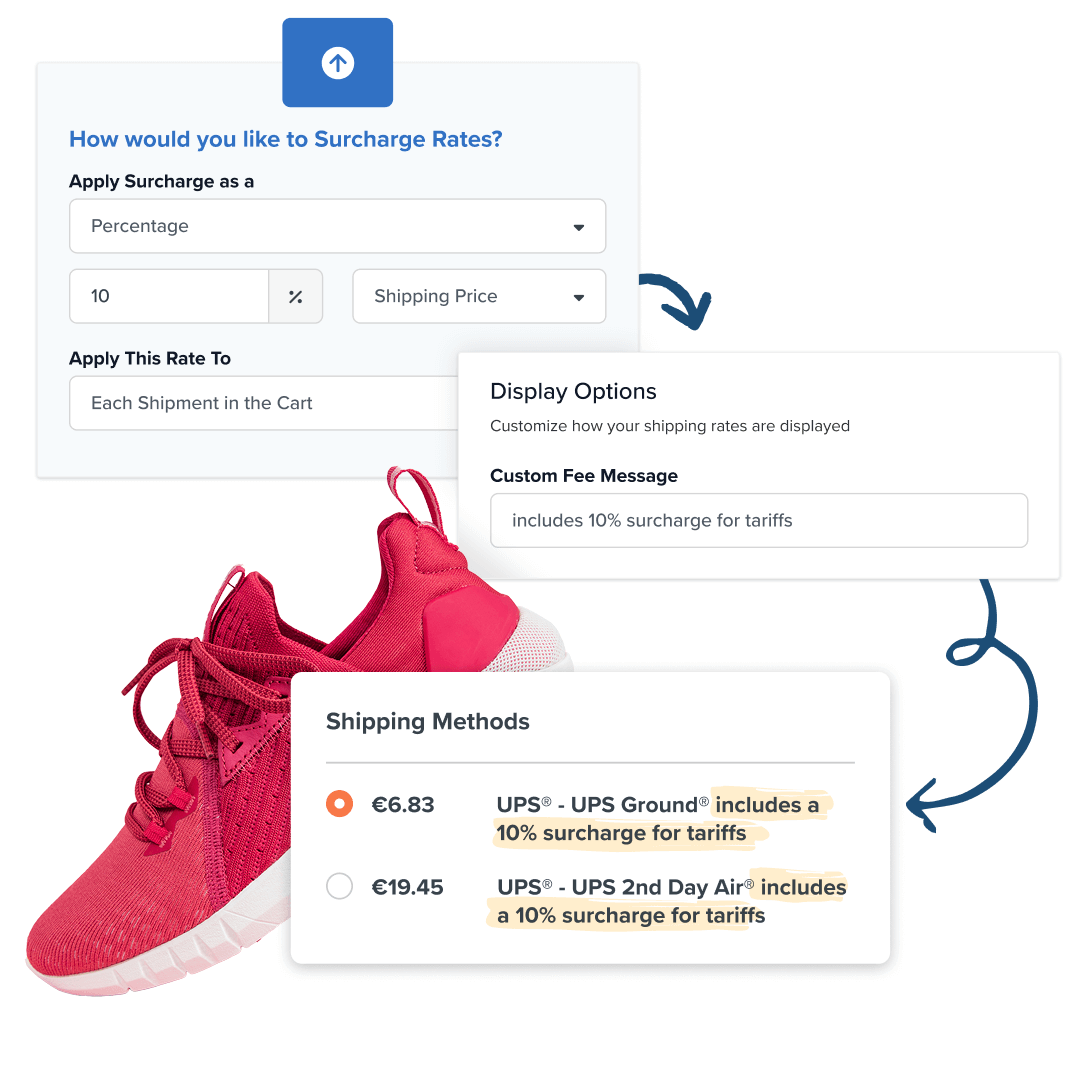
Recover Revenue with a Custom Tariff Fee at Checkout
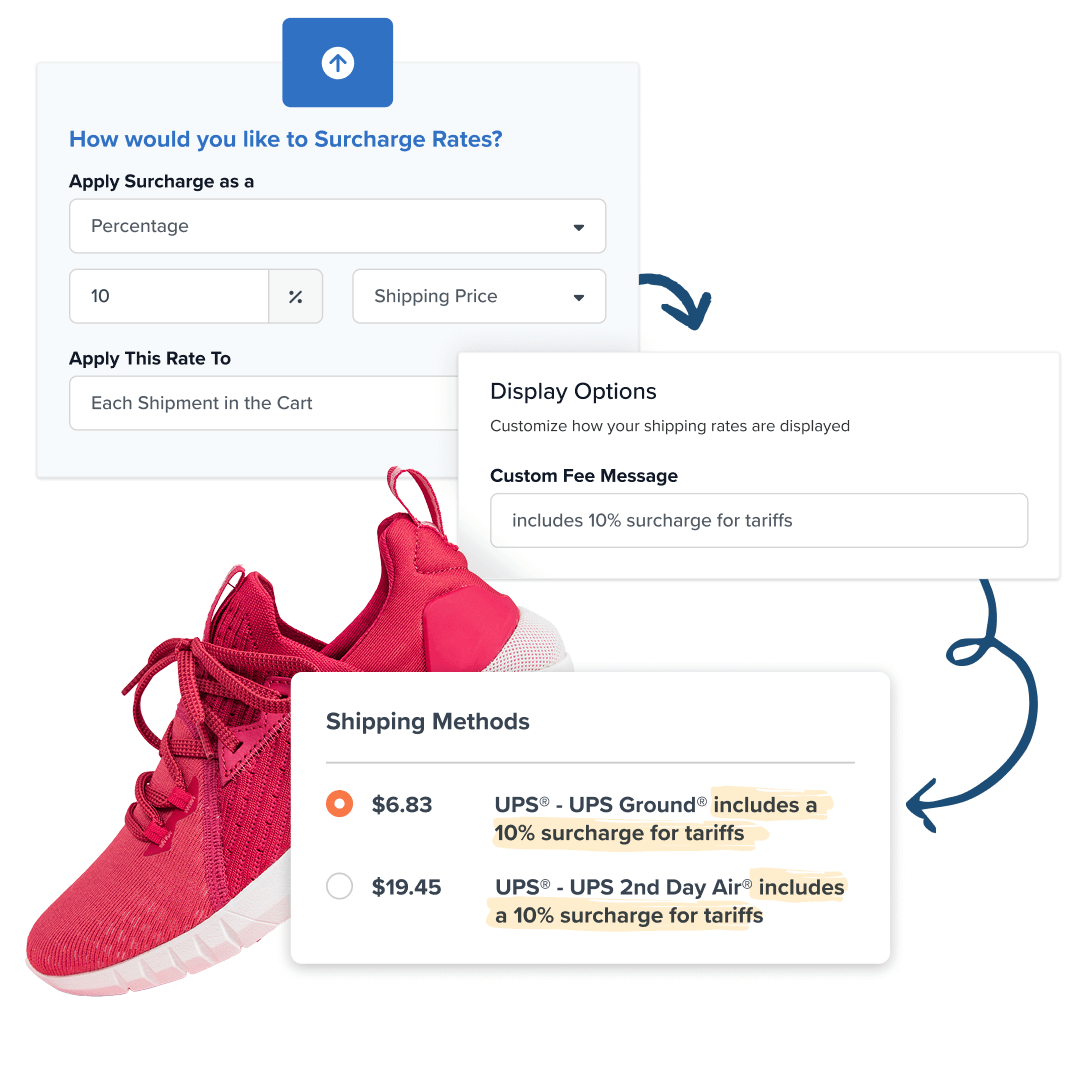
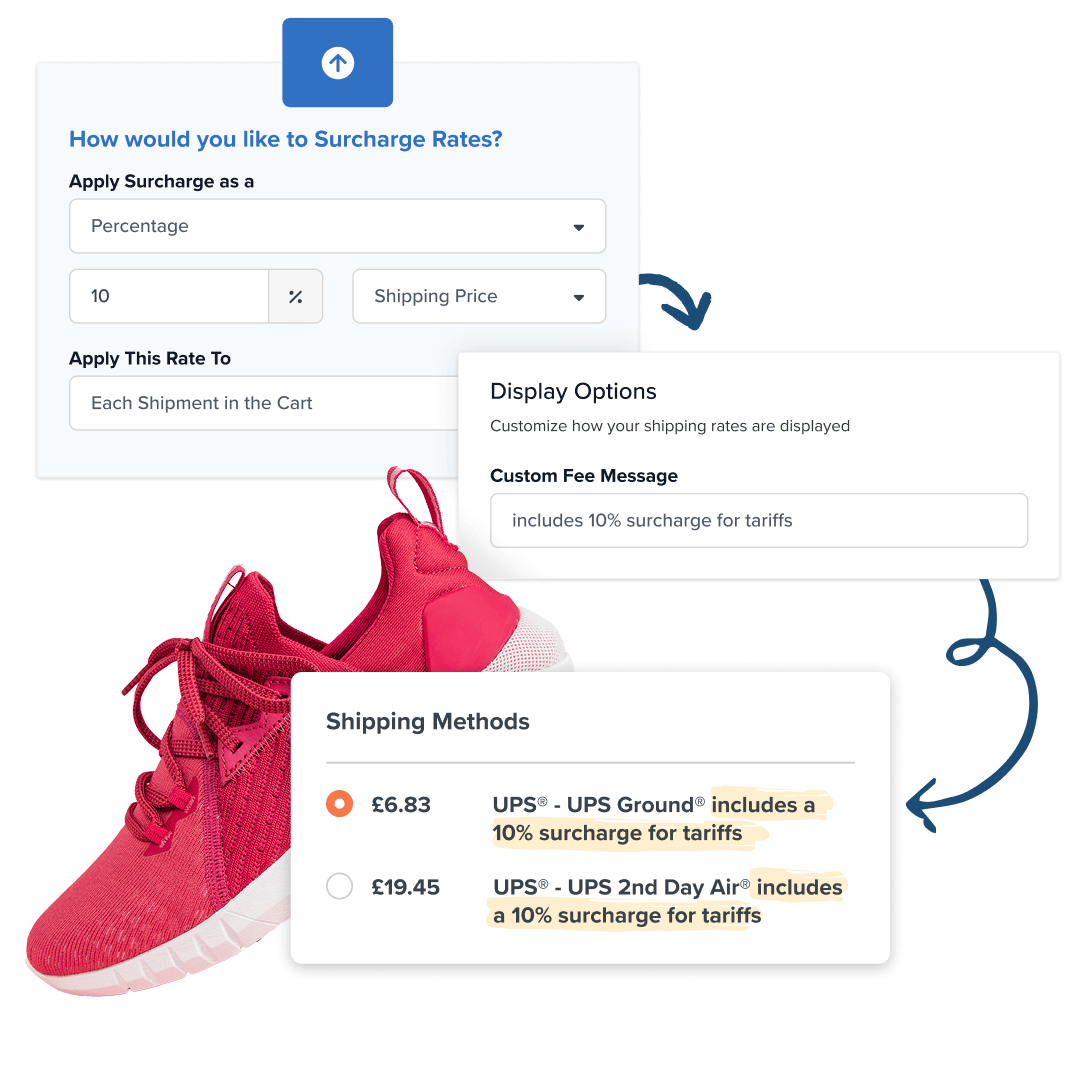
Add a transparent surcharge into your shipping cost and display it alongside a custom message at checkout.
 Apply as a flat-rate or percentage-based surcharge targeted to specific products, locations, customer groups & more
- Available for all Standard and above plans as part of Shipping Rules

Calculate and Collect Duties & Taxes at Checkout
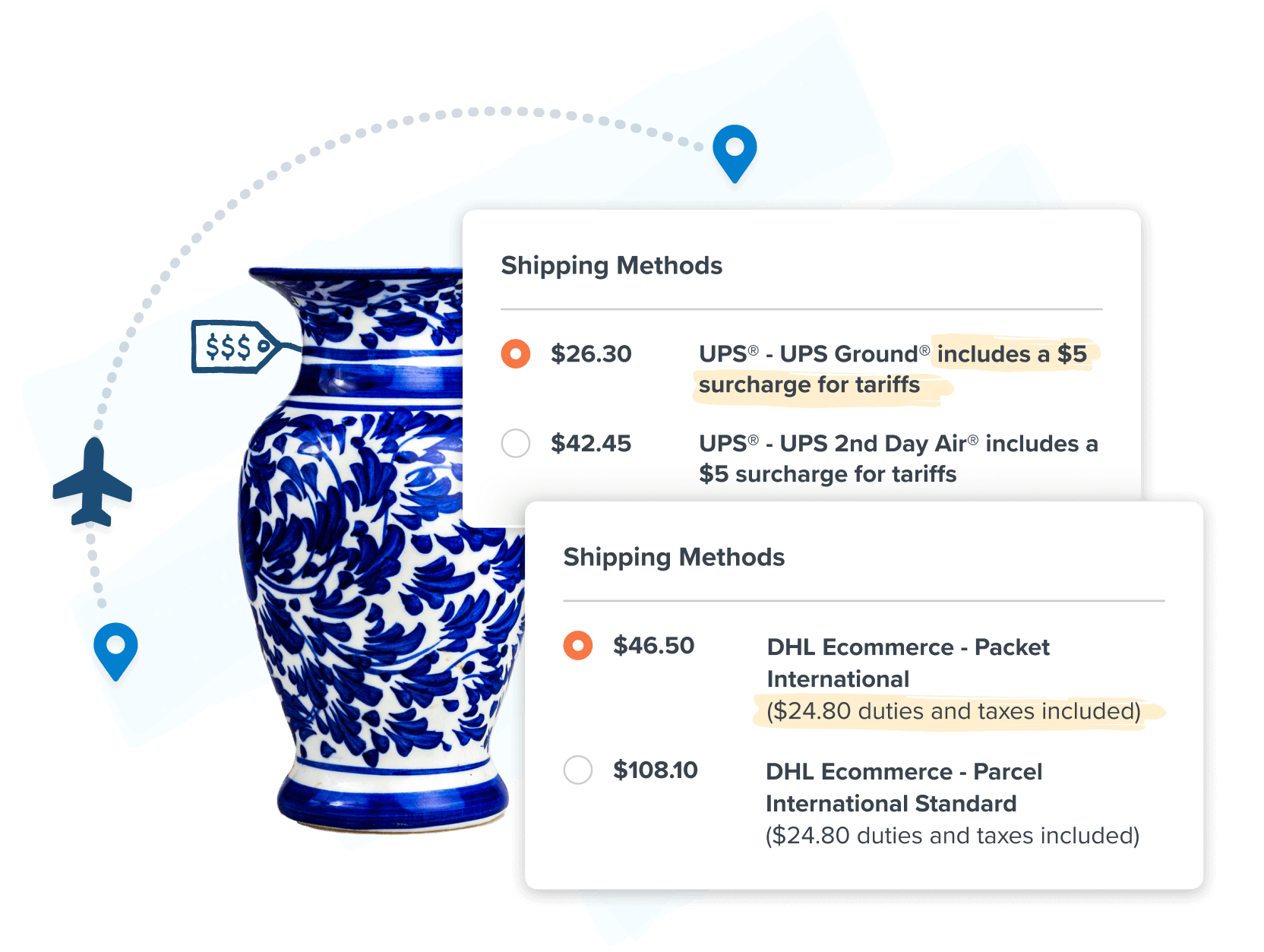
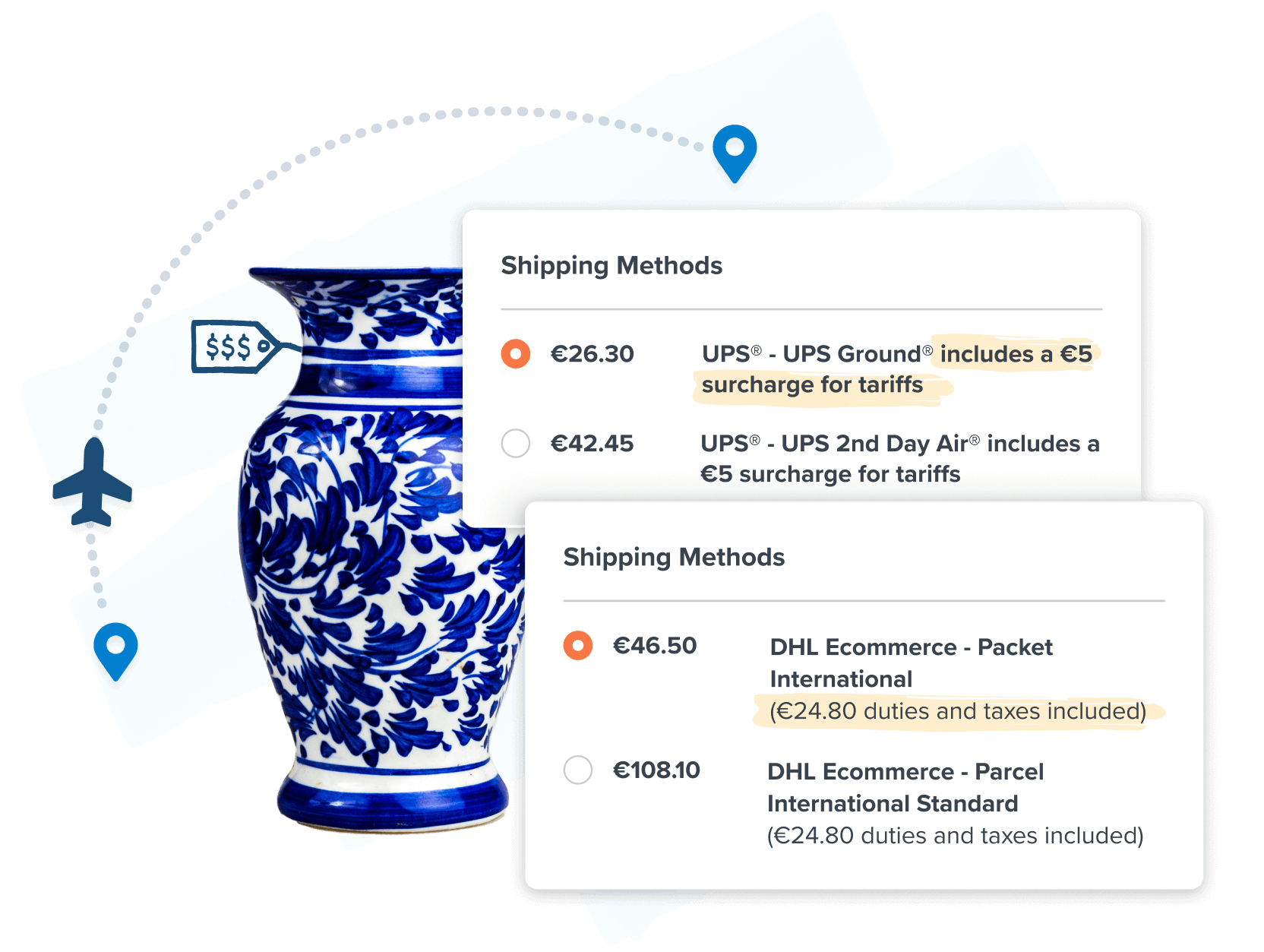
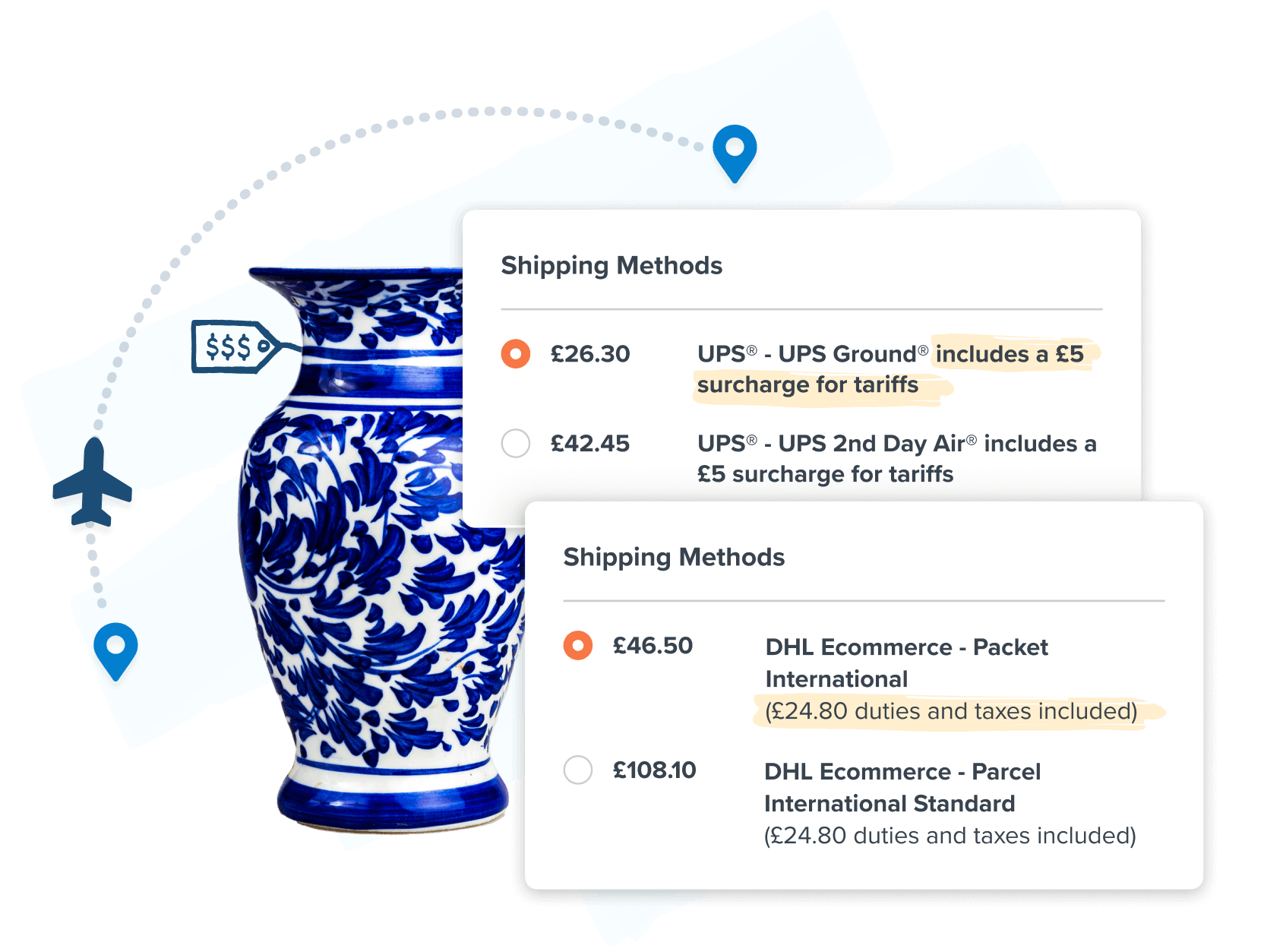
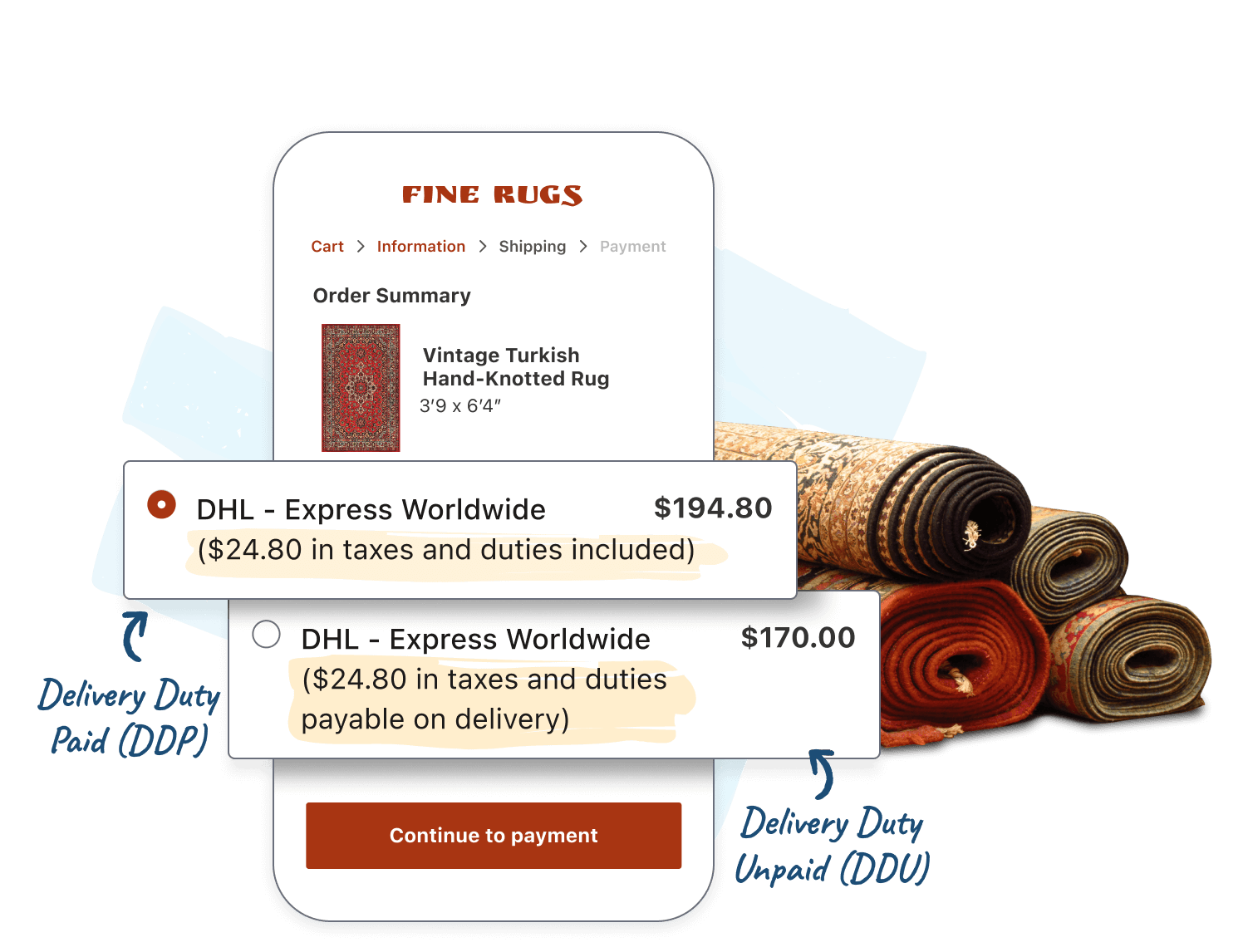
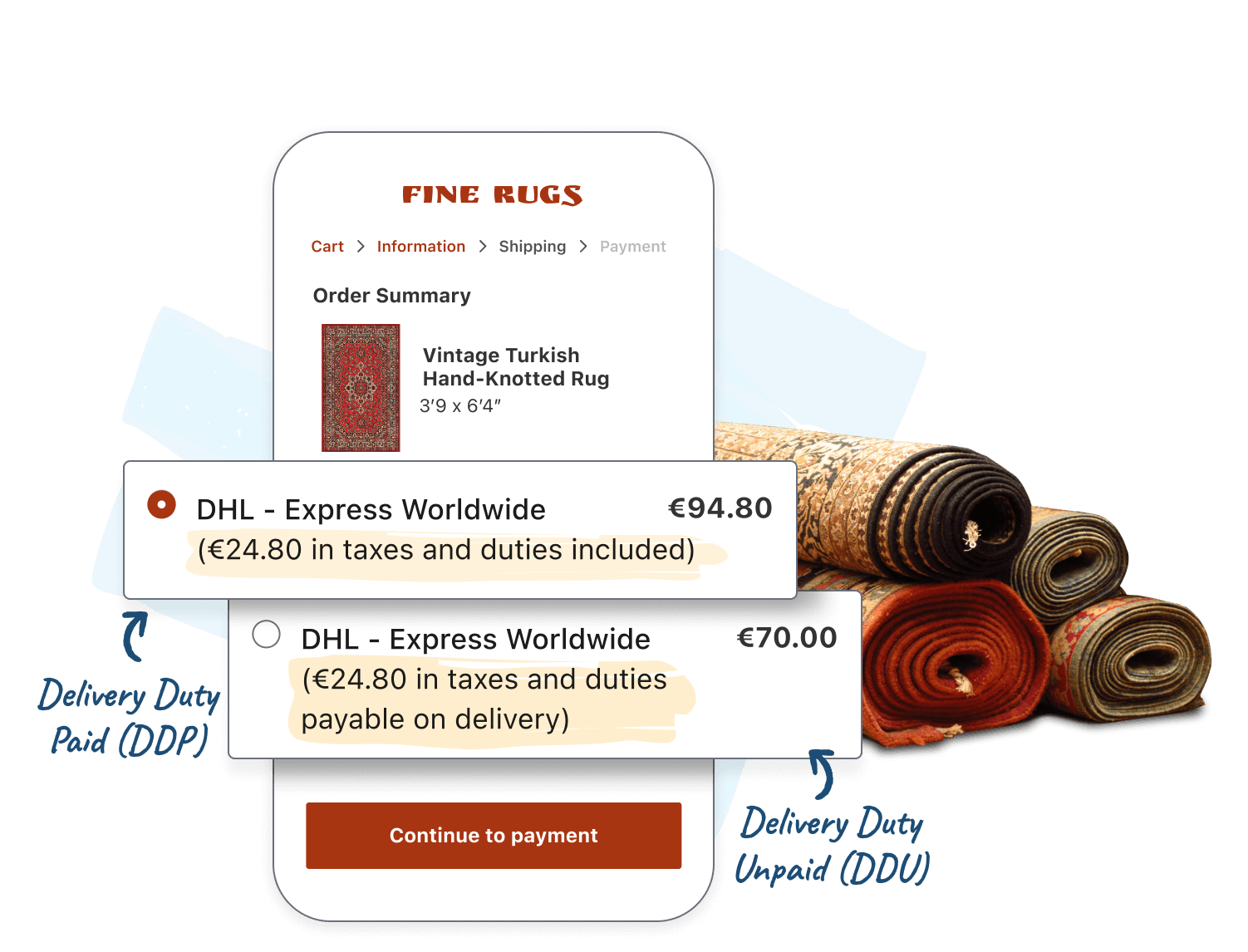
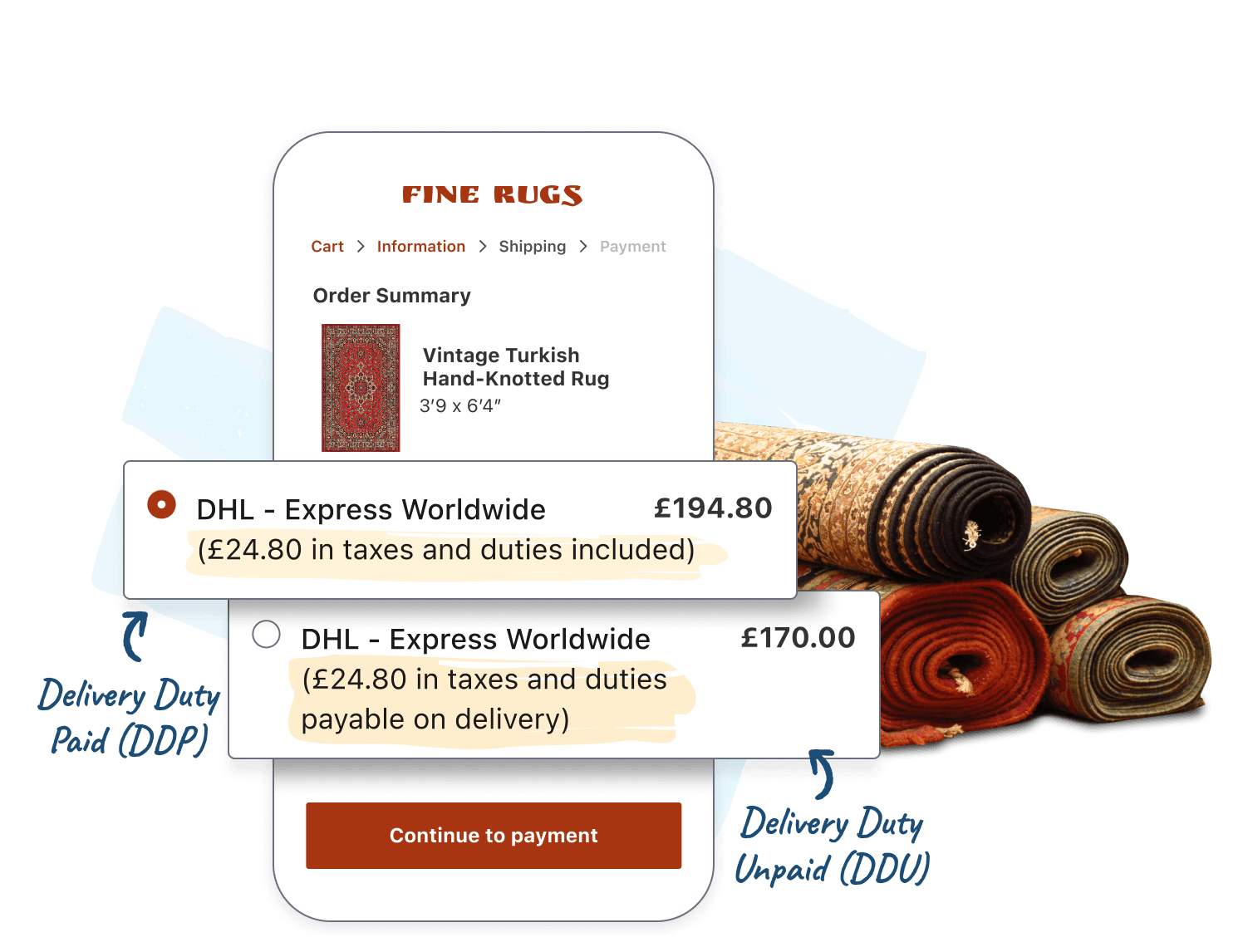
Prevent surprise fees and improve customer experience with real-time duty & tax calculations powered by DHL eCommerce.
- Works with any international carrier
- Collect fees at checkout or simply display them – the choice is yours
“ShipperHQ has allowed us to operate more efficiently behind the scenes and provide a more transparent and streamlined experience for our customers, leading to higher conversion rates and improved customer satisfaction.”
—Ryan VanHoozer, VP of Operations, Marysville Marine


Offset Import Costs. Deliver a Transparent Checkout.
Find out how to easily add a transparent tariff surcharge and real-time duties & taxes to your checkout. Fill out the form to get your demo.

Book a Demo
FAQs
How can I add a transparent tariff surcharge to shipping at checkout?
ShipperHQ lets you add tariff surcharges using Shipping Rules, applying a flat or percentage-based fee directly to shipping rates at checkout.
You can target surcharges by product, destination, customer group, or carrier, and include a custom label so customers understand the added cost. Surcharges can be applied to both domestic and international orders and combined with other rules for precise control.
This feature is included with Shipping Rules on Standard plans and above and works independently of the Duties and Taxes add-on.
Shipping rules in ShipperHQHow do I pass tariff costs onto customers without losing sales?
With ShipperHQ, you can add a transparent tariff surcharge directly into your shipping cost and display it alongside a custom message at checkout. Customers see exactly what they are paying and why, which reduces friction and the sticker shock that leads to abandoned carts.
You can apply the surcharge as a flat rate or percentage, targeted to specific products, destinations, or customer groups. Because the fee is visible and labeled clearly at checkout rather than added as a surprise after purchase, customers are more likely to complete the order.
This is part of Shipping Rules and available on Standard plans and above.
Tariff solutions in ShipperHQCan I include tariff costs in my shipping rate?
If you prefer not to display a separate surcharge line item at checkout, another approach is to build tariff costs directly into your custom shipping rates using table rates. The price shown at checkout already includes the tariff buffer with no additional fee called out.
Rates can be configured by destination zone, order value, weight, or item count, so you can charge more to customers in high-duty regions or scale the buffer proportionally with order size. Table rates can also be combined with shipping rules to apply additional logic only when specific high-tariff products are in the cart.
Custom rate carriers including table rates, flat rates, and free shipping are available on all ShipperHQ plans with no add-on required.
How can I keep up with changing international tariff rates without manually updating my site?
ShipperHQ's Duties and Taxes feature adapts to changing international tariffs automatically in real time at every checkout. Rather than relying on static rate tables that go stale, your checkout always reflects current tariff schedules across 200+ countries.
Once configured with DDP or DDU mode, country of origin, and optional HS codes, ShipperHQ continuously pulls updated duty and tax data without any developer intervention. Rate changes from new trade agreements, tariff orders, or VAT updates flow into your checkout immediately.
Learn more about Duties and Taxes in ShipperHQHow do I block specific countries or restrict international shipping methods at checkout?
With ShipperHQ, you can create Shipping Rules to restrict or block international shipping methods based on destination country, product type, customer group, or order value.
You can hide shipping methods for specific countries, block sanctioned or restricted regions entirely, or limit which products are eligible for international shipping. Rules can control where DDP or DDU options appear, apply minimum order thresholds, or add surcharges by destination zone. All restrictions are applied dynamically at checkout so customers only see valid options.